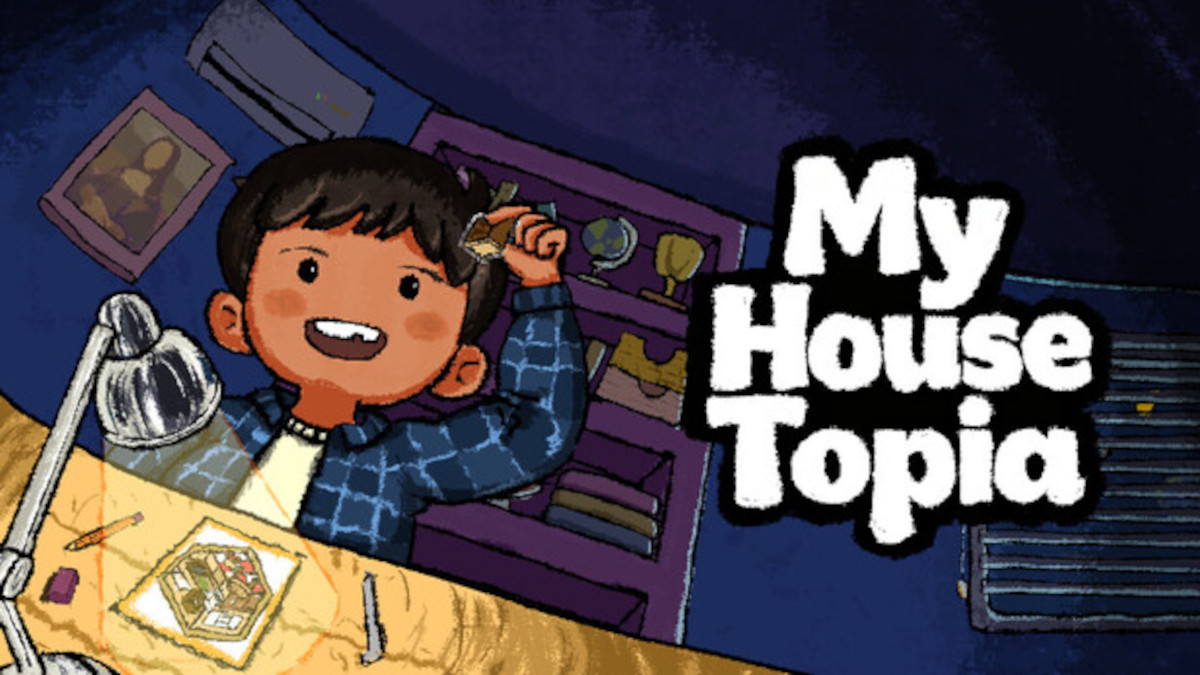
Life is pretty hectic at the best of times, between the 9-5, side hustles, hobbies, and all the other pressures of balancing a normal adult life, it can be hard to find time to simply destress and breathe. Thankfully, if you’re a gamer, there are a lot of games out there that can help with the unwinding, and one such game is My Housetopia.
My Houstopia, developed by MatchLab, is the virtual embodiment of those “fill the room with more stickers than should realistically be possible” sticker packs that recently underwent something of a surge in popularity in certain circles of social media. Not only are those puzzles fun, but they’re also almost meditative to complete, and My Housetopia takes things one step further.
Order, or lack thereof

When you do these sticker packs in real life, the trick is to start at the back of the room and work towards the front, placing stickers on top of each other to provide the illusion of depth. You can do that in My Housetopia, too, and I often find myself falling back on that familiar pattern, but it’s not strictly necessary in the guided “target” mode.
It’s not a problem in the third and final mode available in the demo, “reference” mode, either. This mode is the most similar to the real-life counterpart and inspiration sticker packs, with a small finished picture of the room available to look at on the side and stickers given to you in sections to place on the larger room. Item still snap to their designated locations in this mode, just like “target” mode.
The only time you need to be methodical is if you’re playing in “freedom” mode. When playing in this mode, you’re given all of the stickers for the entire room in one fell swoop and you can place them anywhere, but the stickers always fall in the order in which you put them down. For instance, if you put all of the items that are supposed to be on the desk down, then put the desk on top, the desk will hide the decor.
Slowing things down

In the demo of My Housetopia, there are five ‘rooms’ to fill with virtual stickers, and you can either do it freely or be guided by the game, placing the stickers where they’re realistically designed to be placed. Both options are their own kind of fun, and the free placement makes the game even more like the packs of stickers that I currently have a pile of on my desk.
However, I think sometimes it’s good to let yourself step back and follow instructions. In a way, it becomes a mindless gaming experience (in the best way possible) and you can truly switch off and shut down, which is particularly inviting if you’re going through a time of great stress or feeling anxious over something. Personally, the game mode I choose in the demo depends on the type of day I’ve had leading up to my gaming time. Today, it was guided.
Whichever mode you choose to play in, there’s something really soothing about starting with an empty room and gradually building it up using the stickers provided at the bottom of the screen. True to the physical inspiration, the rooms in My Housetopia fill up incredibly quickly, to the point of it looking overly cluttered and temporarily chaotic, but everything always comes together in the end to create a room that looks lived in and cozy.
Whether you’re looking for something to help you relax after a hard day or a way to let your creativity flow in a controlled environment, My Housetopia offers both in abundance. It’s cute, calming, and seriously fun, and there’s a demo available to play right now.
My Housetopia

Developer:
MatchLab
Publisher:
MatchLab
Release date:
TBA
Social links:


Platforms:
Leave a Reply